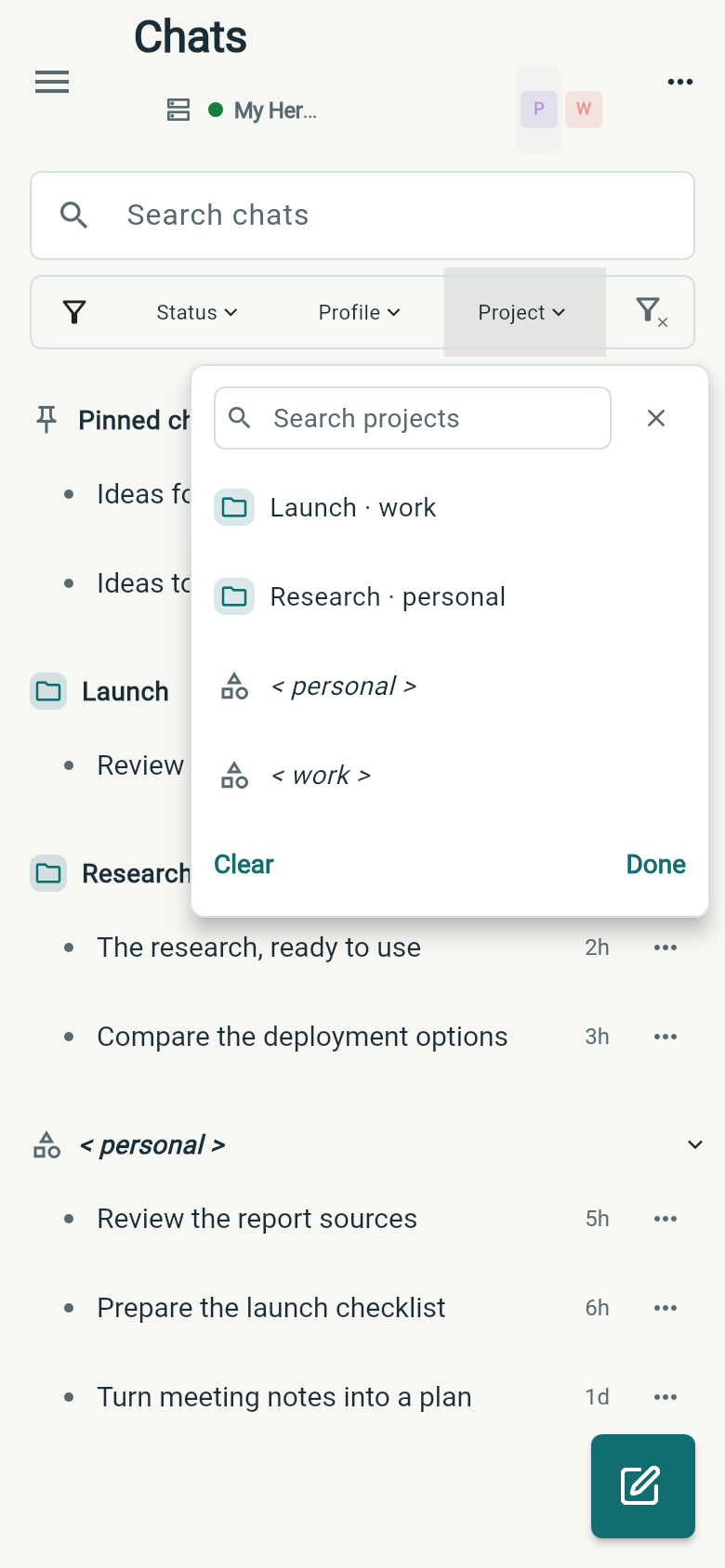
Choose a profile or project
Tap a profile to focus its chats, or combine profiles in one view. Switch projects with the Project filter, then group, sort and choose the details you want to see. Wing remembers that setup for each connection.


The Android companion for Hermes Agent. Switch between profiles and projects, check running work in Recents, and steer your agent from your phone.
Android 7.0+ · Requires your own Hermes server
Tap a profile to focus its chats, or combine profiles in one view. Switch projects with the Project filter, then group, sort and choose the details you want to see. Wing remembers that setup for each connection.
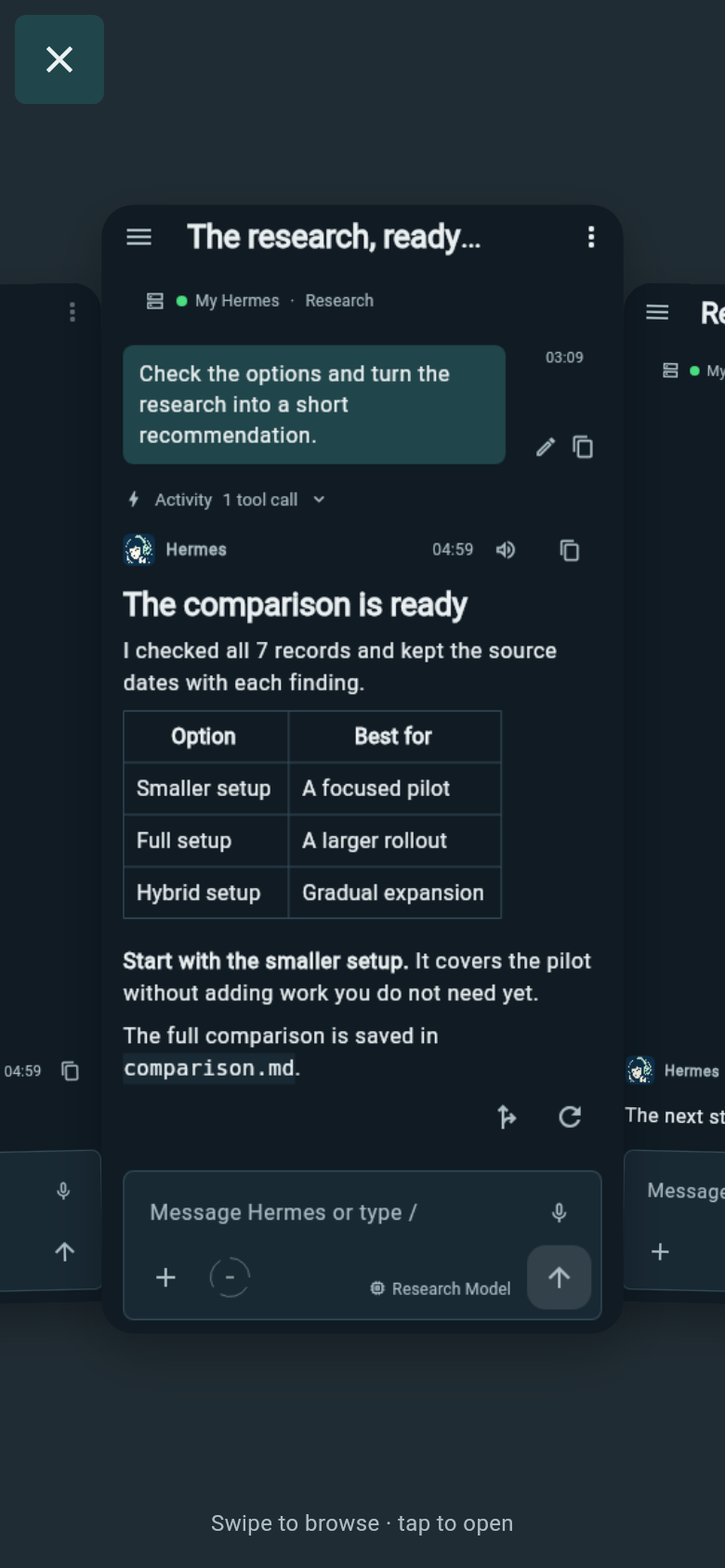
Filter recent work by Running or Needs input. Inside a chat, swipe sideways with two fingers to switch conversations, or pinch into a card stack and tap the one you want.
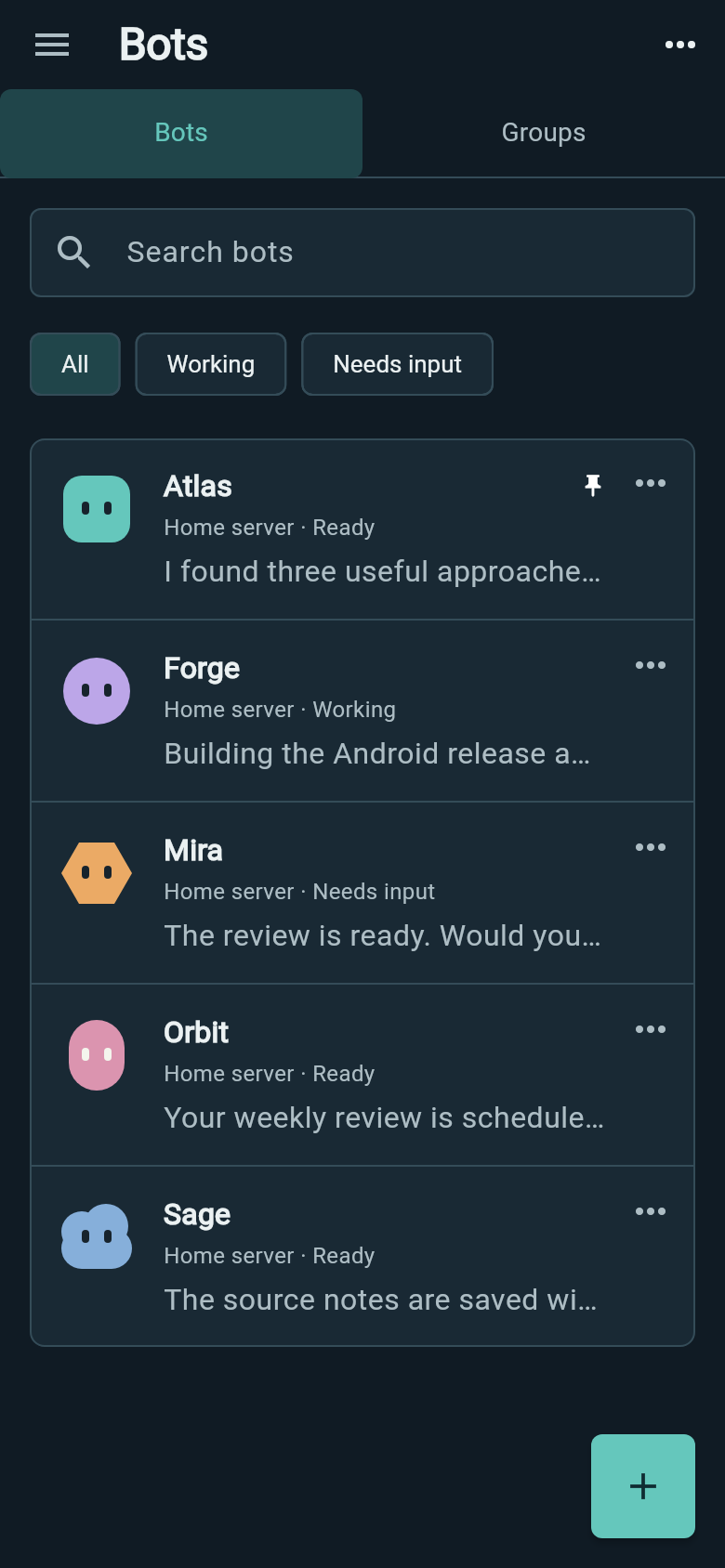
Find bots across your saved connections, see their latest messages and return to each bot's continuing chat. Pin the bots you use most, or filter by Working and Needs input.
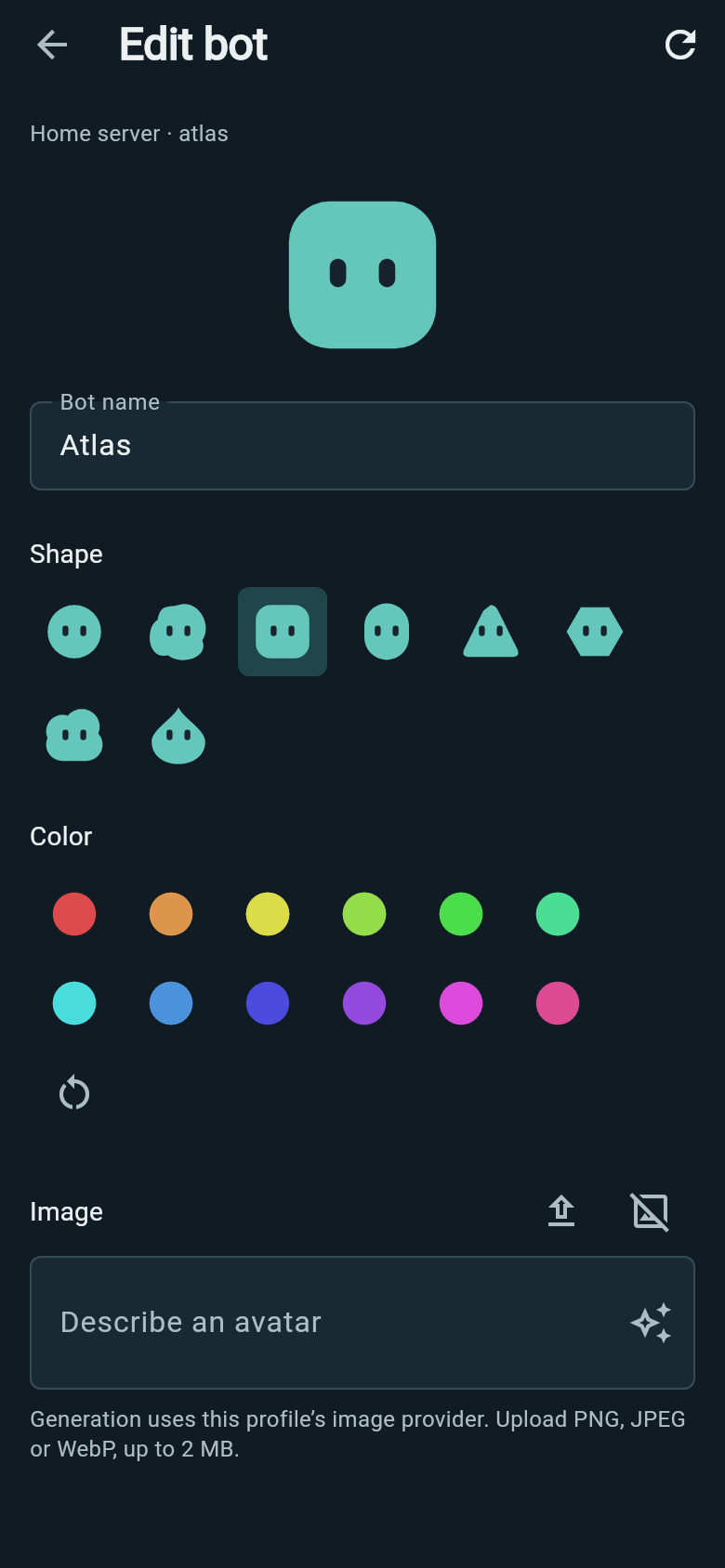
Choose a display name, shape, color or avatar so you can tell your bots apart. Upload an image or generate one through the bot's configured image provider.
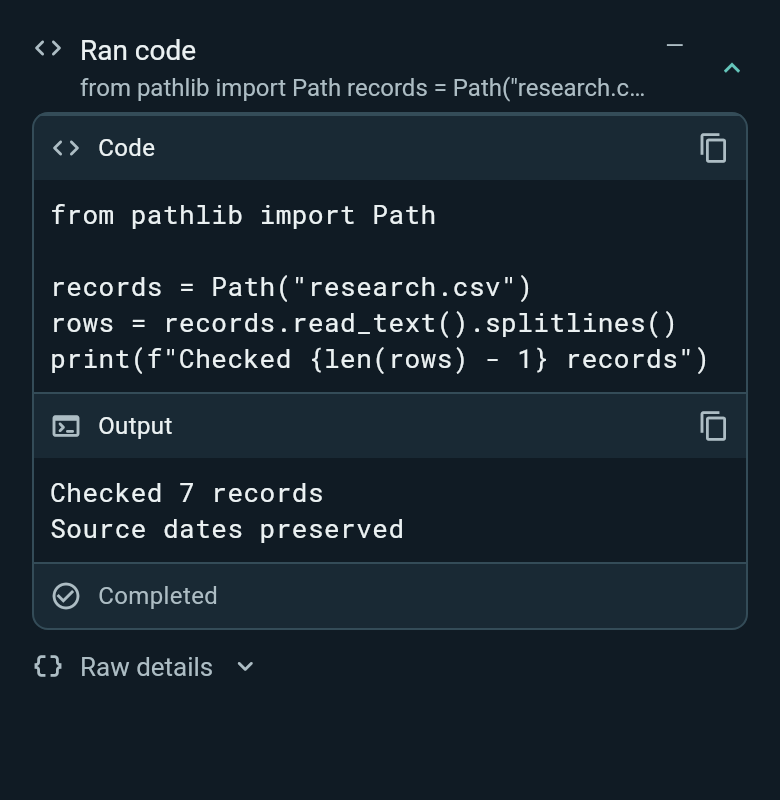
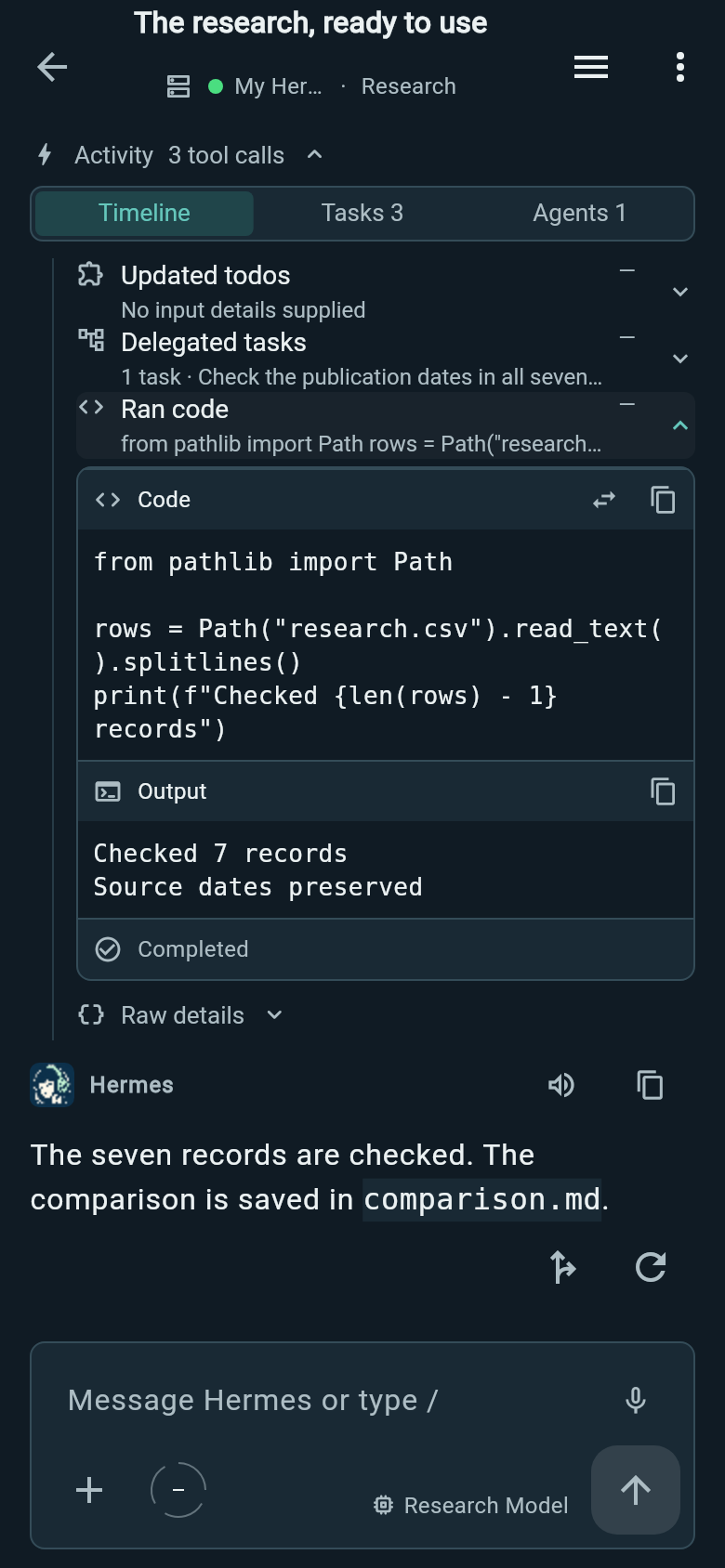
Switch between the tool timeline, task list and delegated agents. Open a call to inspect its request and result, or an agent to read its task and live output.
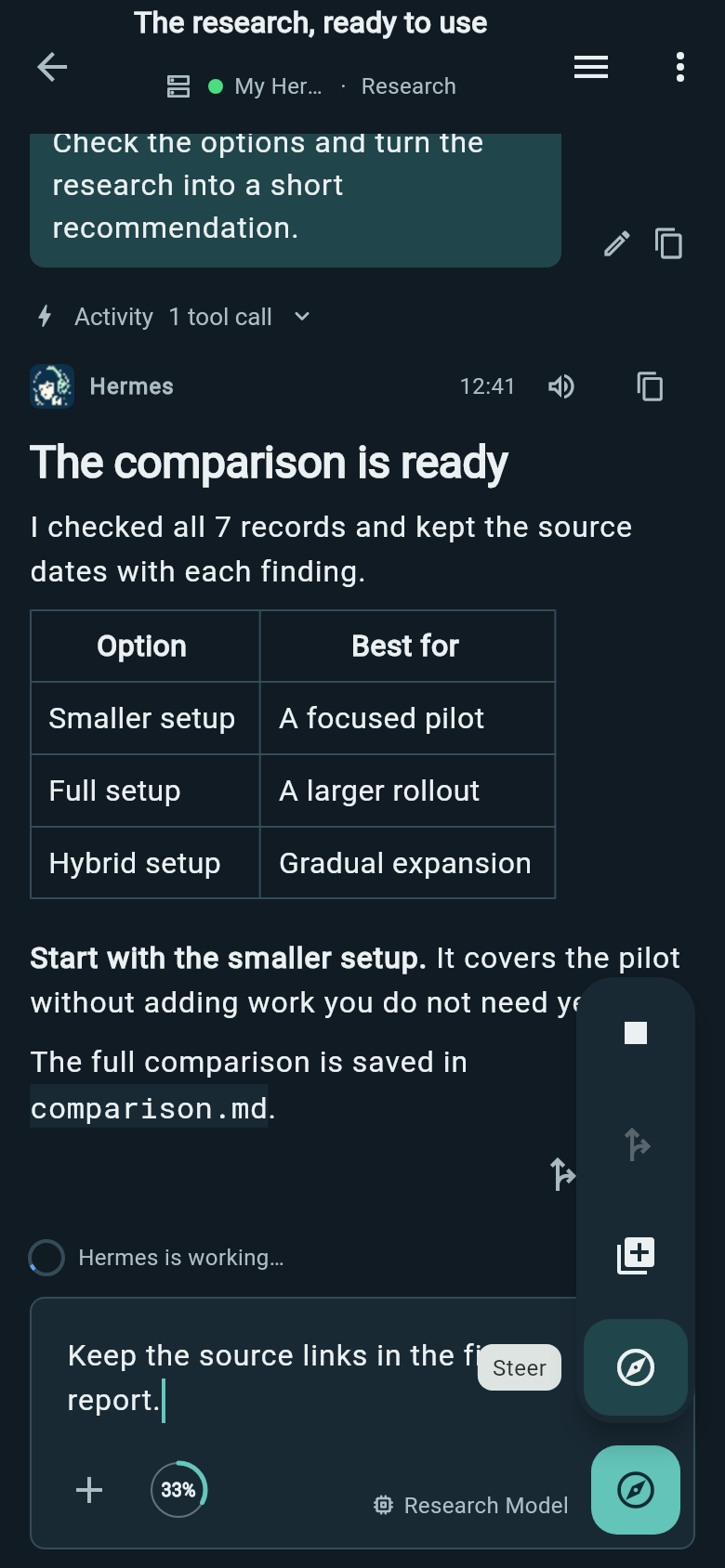
Change direction during a run, queue a follow-up for later or stop the work. Hold the send control to choose an action; queued messages stay editable until they send.
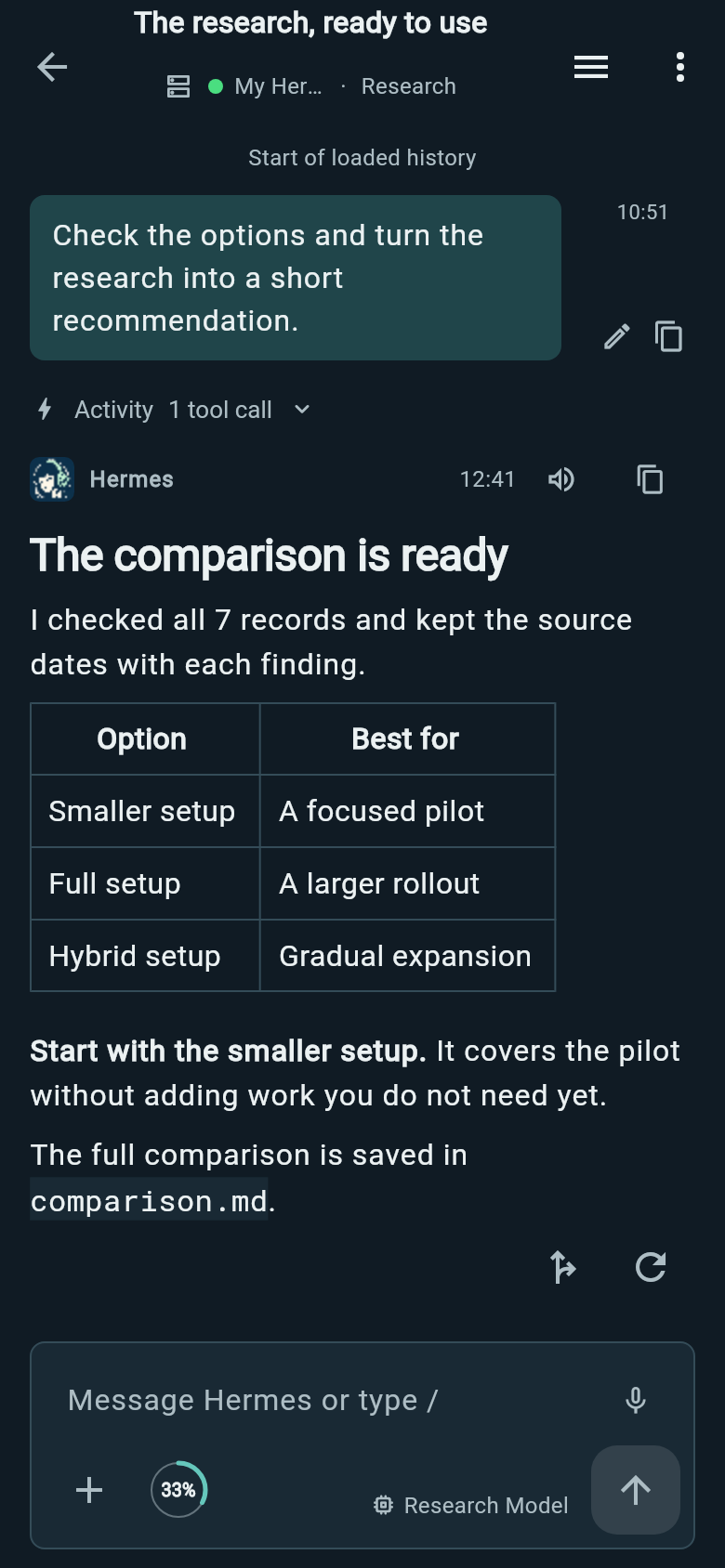
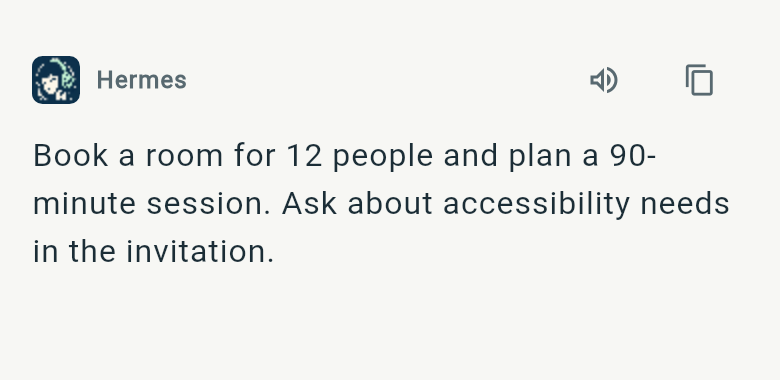
Headings, lists and quotes keep their formatting. Wide tables scroll horizontally so you can read every column on a phone.
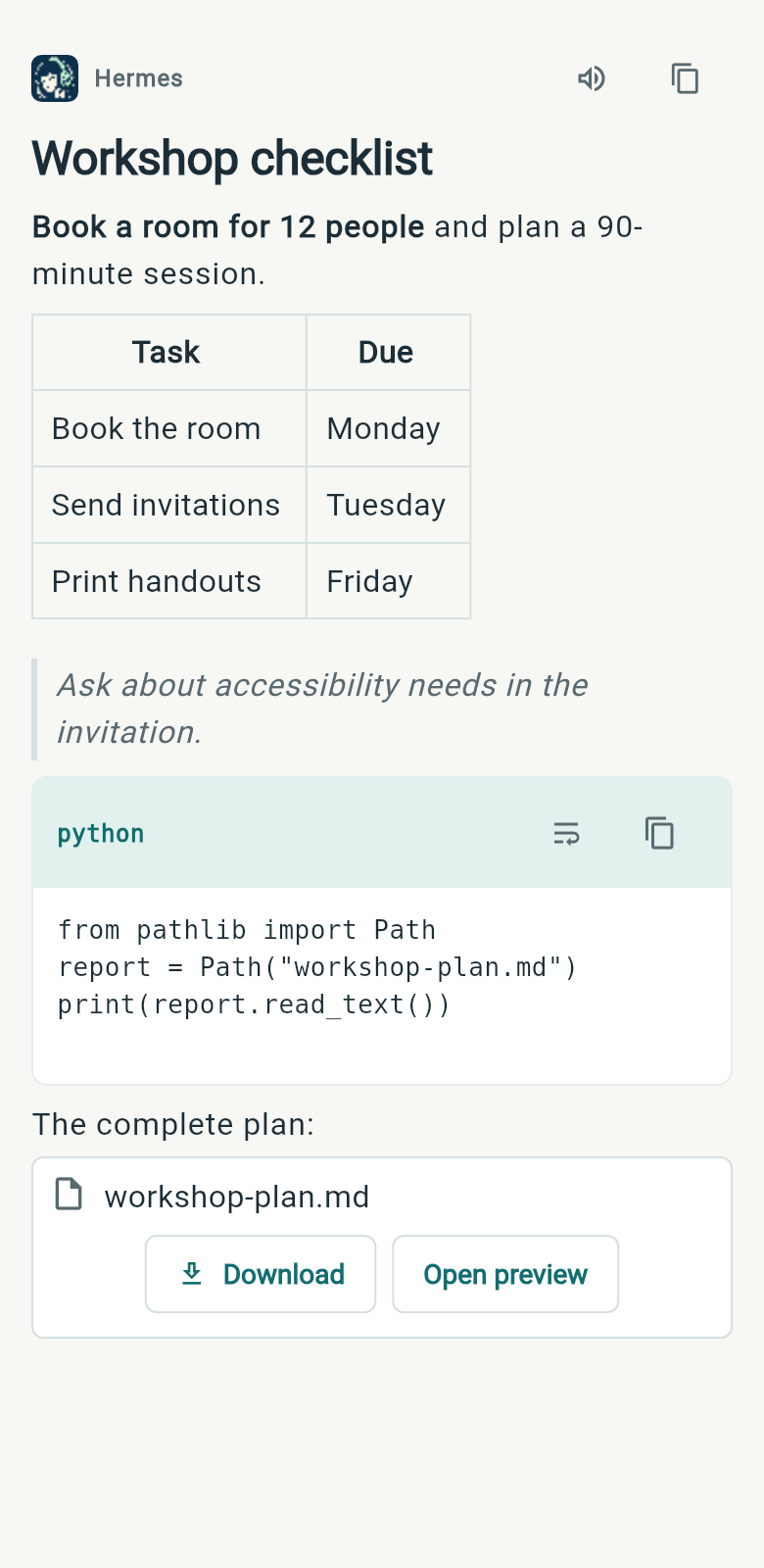
Copy a code block with one tap. Scroll long lines or turn on wrapping to read them without scrolling sideways.
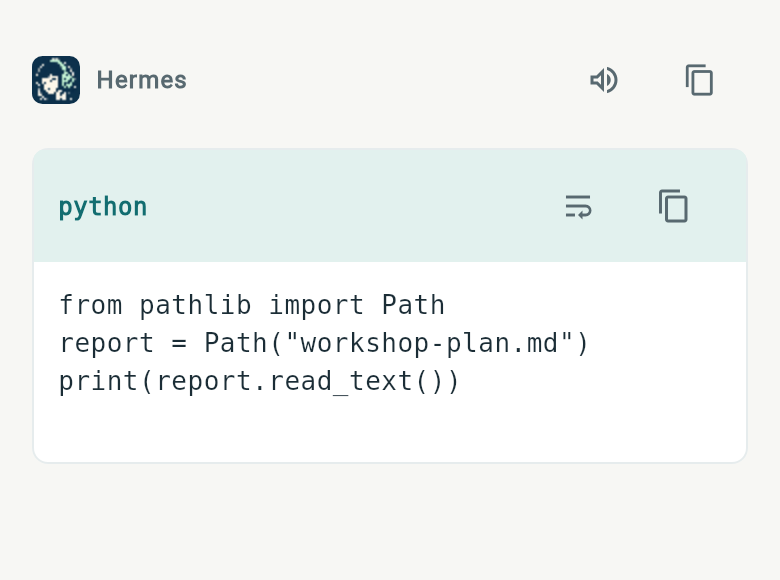
Copy the whole answer without selecting it by hand, or play it aloud while you do something else.
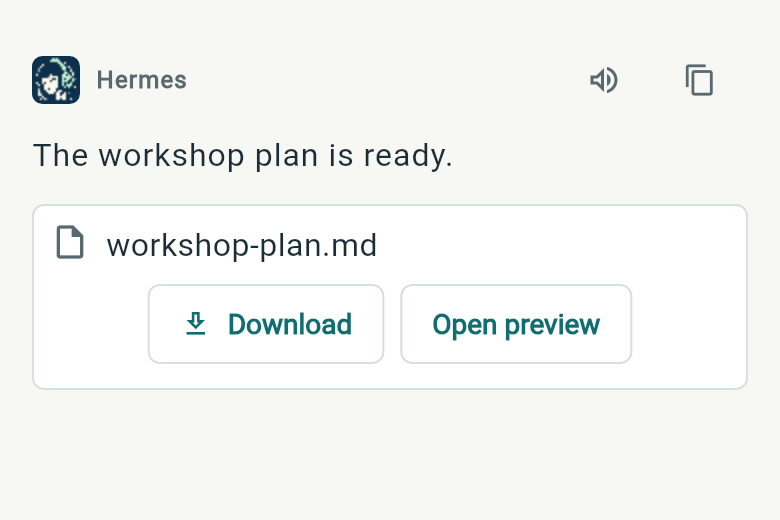
Open Markdown, PDFs, diagrams and supported media. Download files to your phone or send them to another app through Android sharing.
See CPU, memory and disk usage, run backend diagnostics and read logs. Switch profiles to check model access, tools and connectors.
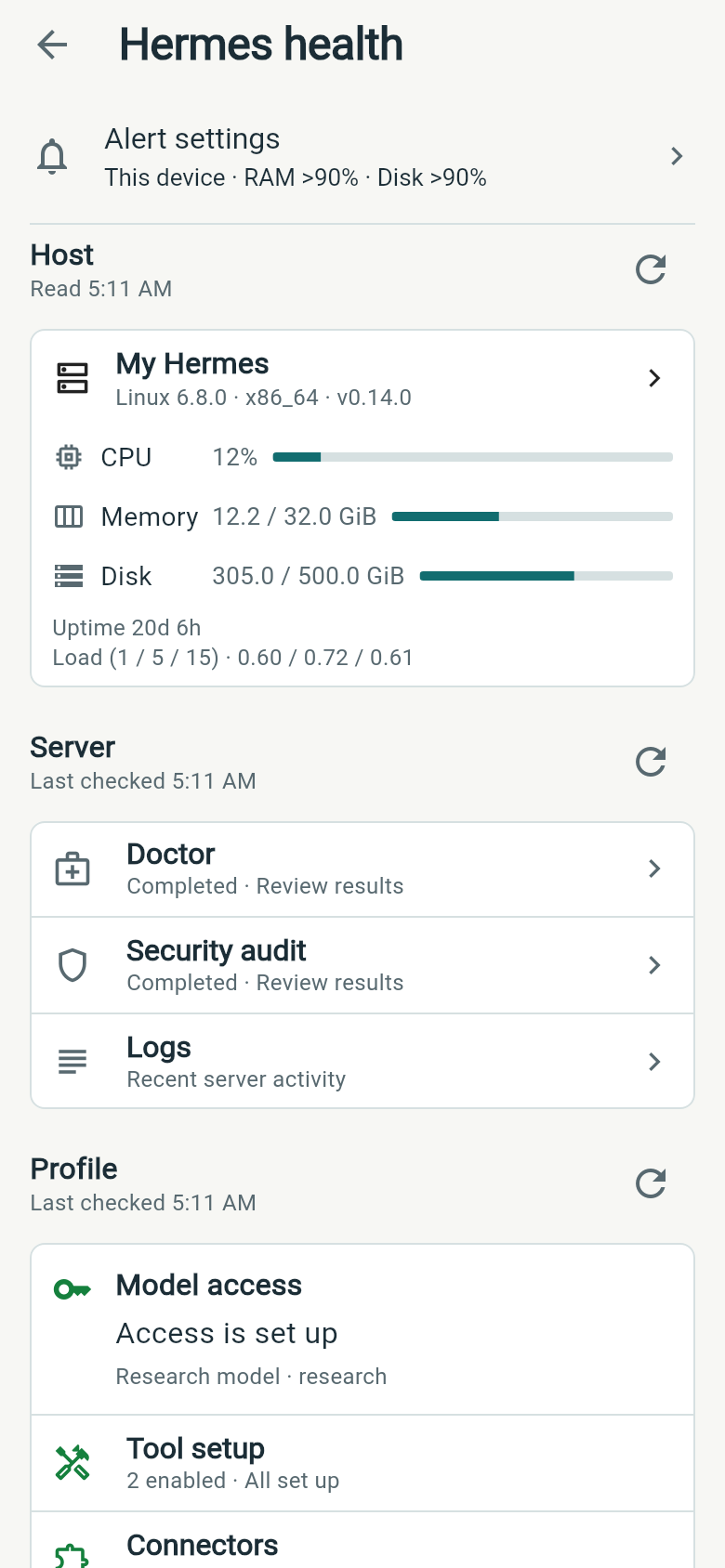
Keep working and receive alerts about host resources, backend connection failures or profile problems. Choose memory, disk and CPU thresholds, then tap the bell to see what needs attention.
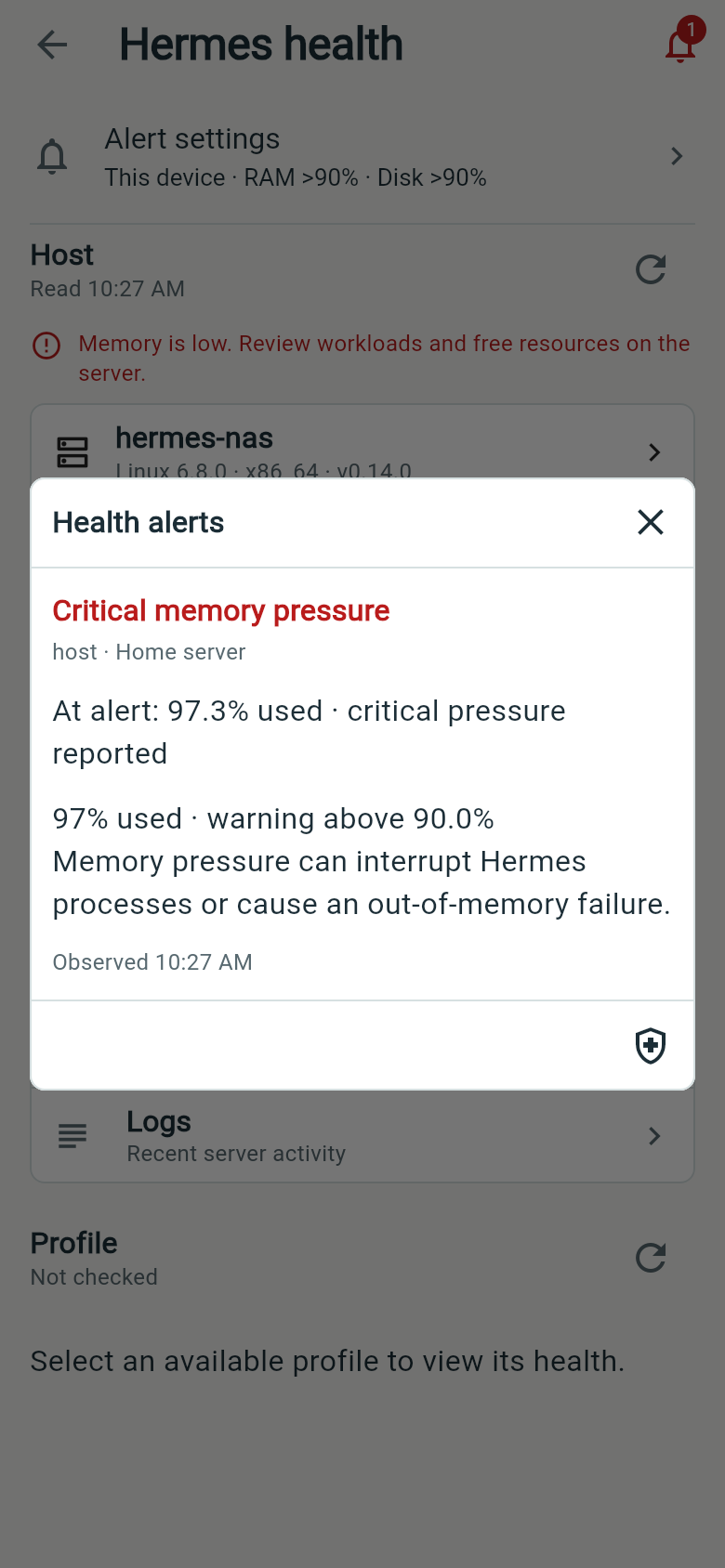
Wing checks while open or monitoring ongoing work.
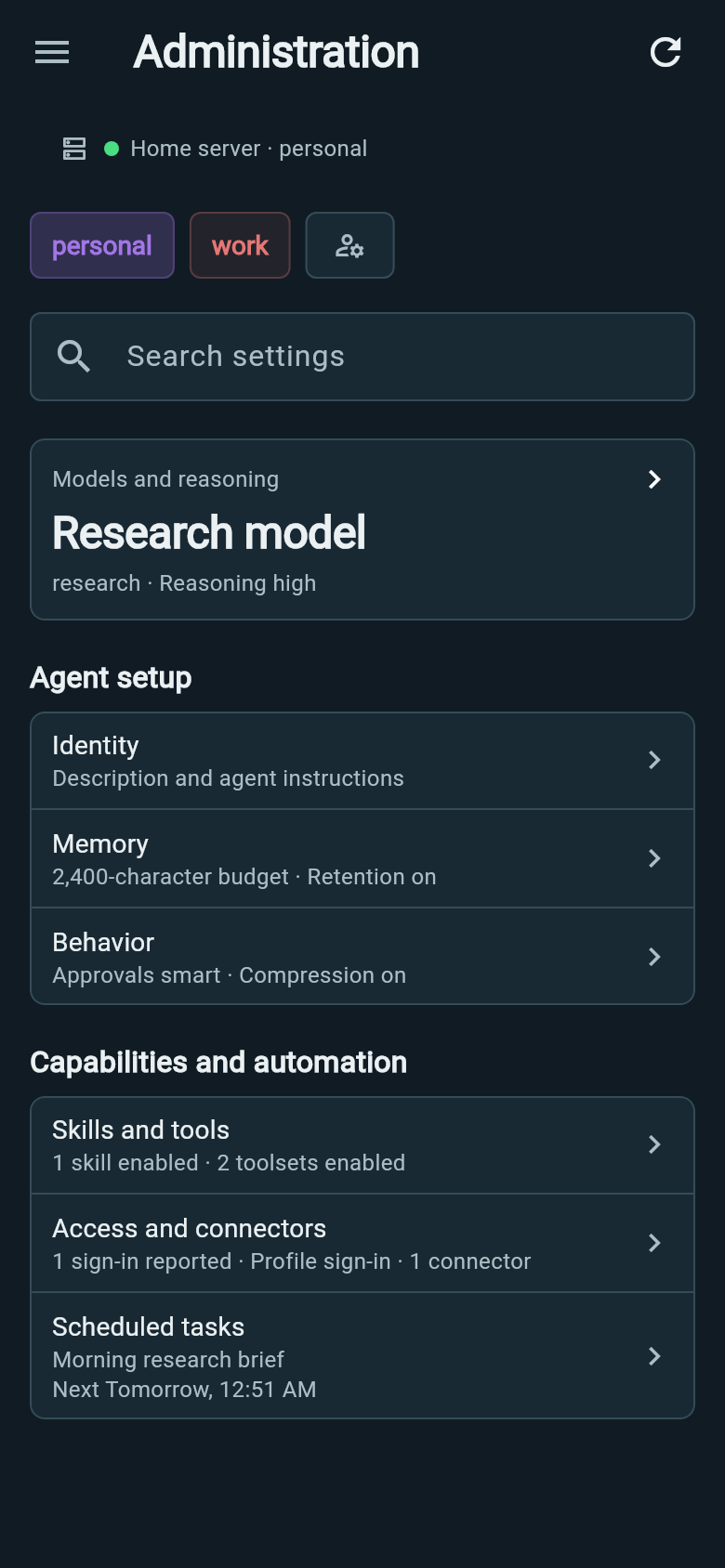
Choose model defaults, edit agent instructions, and manage skills, provider access, connectors and scheduled tasks for the selected profile. Wing confirms saved changes and keeps your edits if saving fails.
See how active each profile is and which models account for its token usage. Compare a day, a week or a longer period.
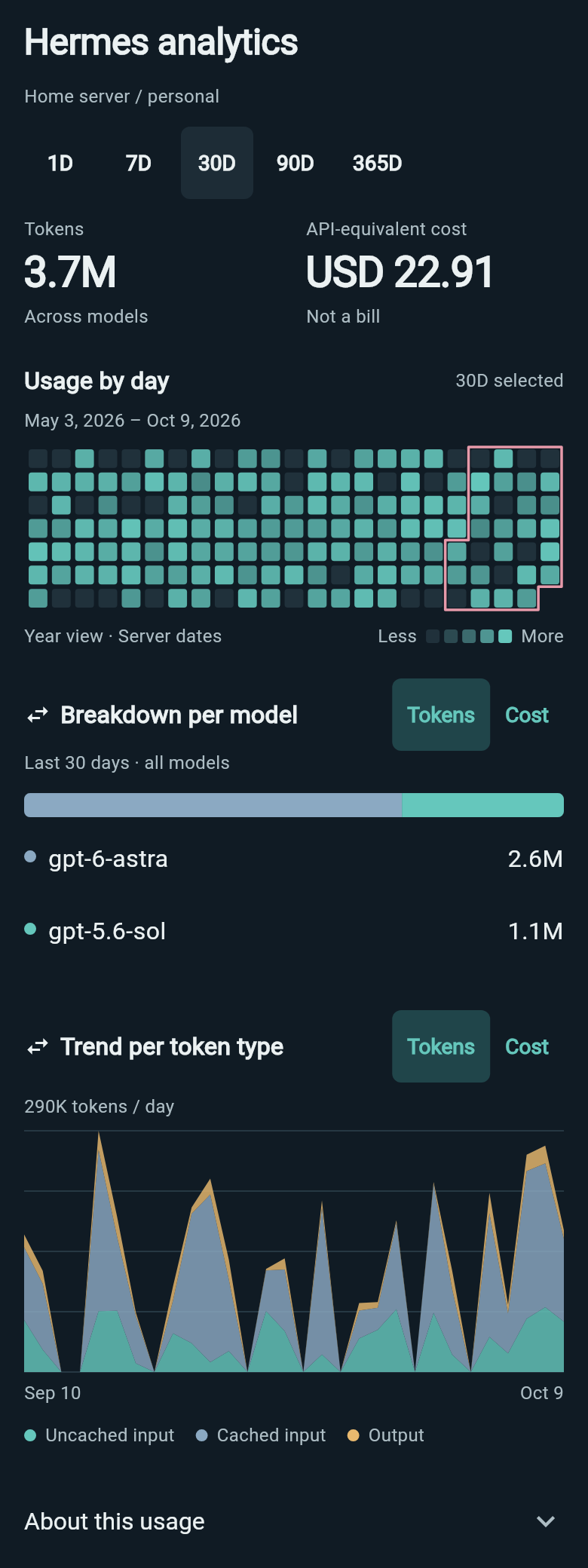
Cost figures are estimates. Subscription usage can show API-equivalent cost, with an explanation in the app.
Install a signed APK from GitHub Releases.
Choose arm64-v8a for most current phones.
Android 7.0 or newer and a Hermes server with its dashboard, Desktop Gateway and a configured model provider, reachable from your phone.
Use HTTPS or an encrypted private network for remote access. Your server and model providers may have their own costs.
Work accepted by Hermes can continue when your phone disconnects. Reconnect to follow it; new messages and live controls need a connection.
Wing can notify you about replies and input requests through live connections. Android background restrictions, force-stop and network loss can interrupt delivery. The notification guide explains setup and limits.
No. Wing needs a Hermes setup with its dashboard, Desktop Gateway and a configured model provider.