

Manage your
Hermes profiles
Set models and agent instructions
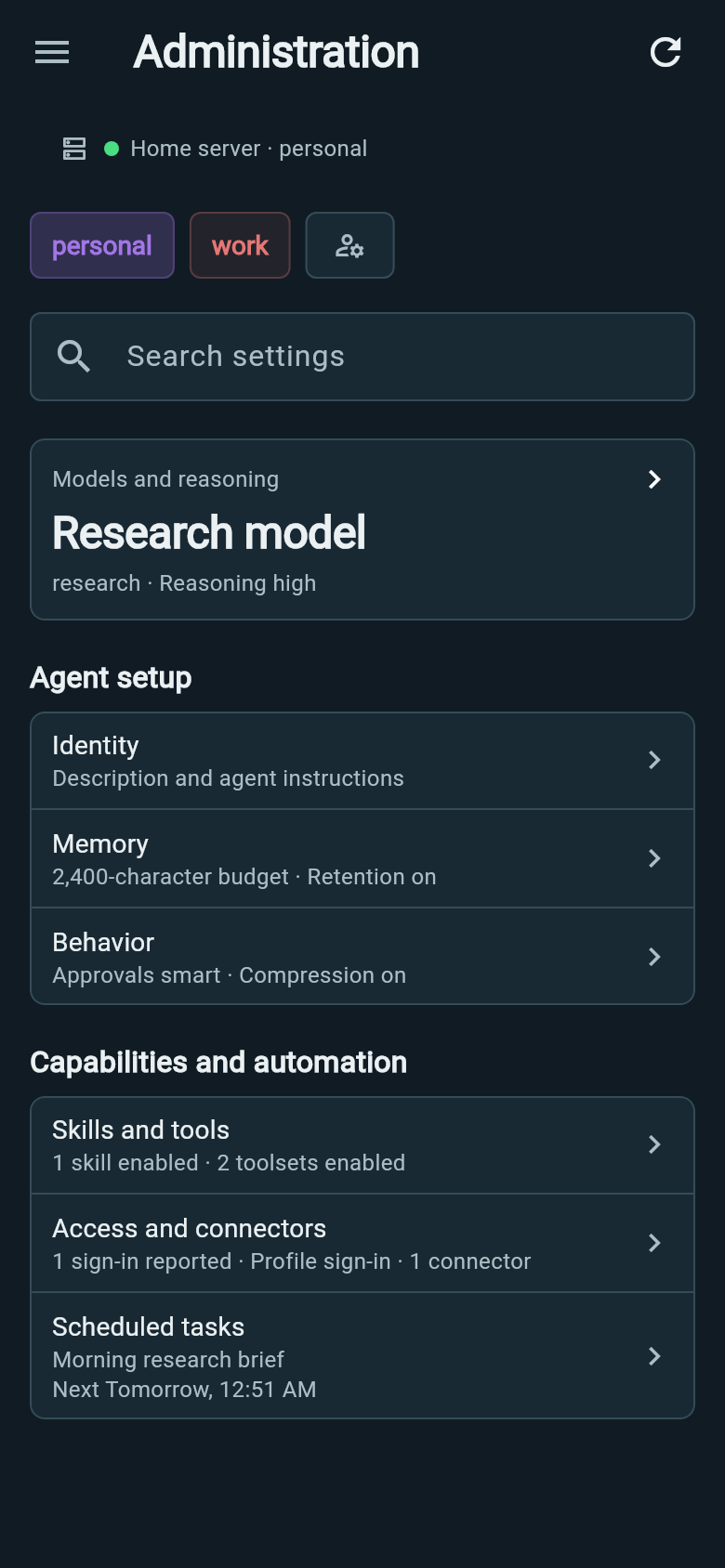
Choose a profile in the header, then edit its description and instructions. Choose model defaults, reasoning options where available, and memory settings.
Profile defaults apply to new conversations. Change the model for an existing conversation in Chats.
You can open the same editors from Bot settings.
Manage skills, providers and connectors
Read installed skills and their instructions, inspect their source, or discover skills through the official Hub. Skills and tools shows what is enabled and what still needs setup.
Manage model-provider access and MCP connectors for the selected profile. Connectors give the agent access to external tools and data.
Find a setting and review changes
Search Administration to jump to a setting. Editors show the profile you are changing and keep unsaved edits if a save fails or its outcome is uncertain.
Wing reads back settings to confirm changes. Controls depend on what the connected Hermes server makes available.
Manage scheduled tasks
Create a recurring task, edit its instructions or check recent runs for this profile.
Schedules and recent runsReview activity and token usage
Open Hermes analytics to see activity over time, token usage and model breakdowns for a profile.
Explore usage charts