
Markdown, code
and file previews
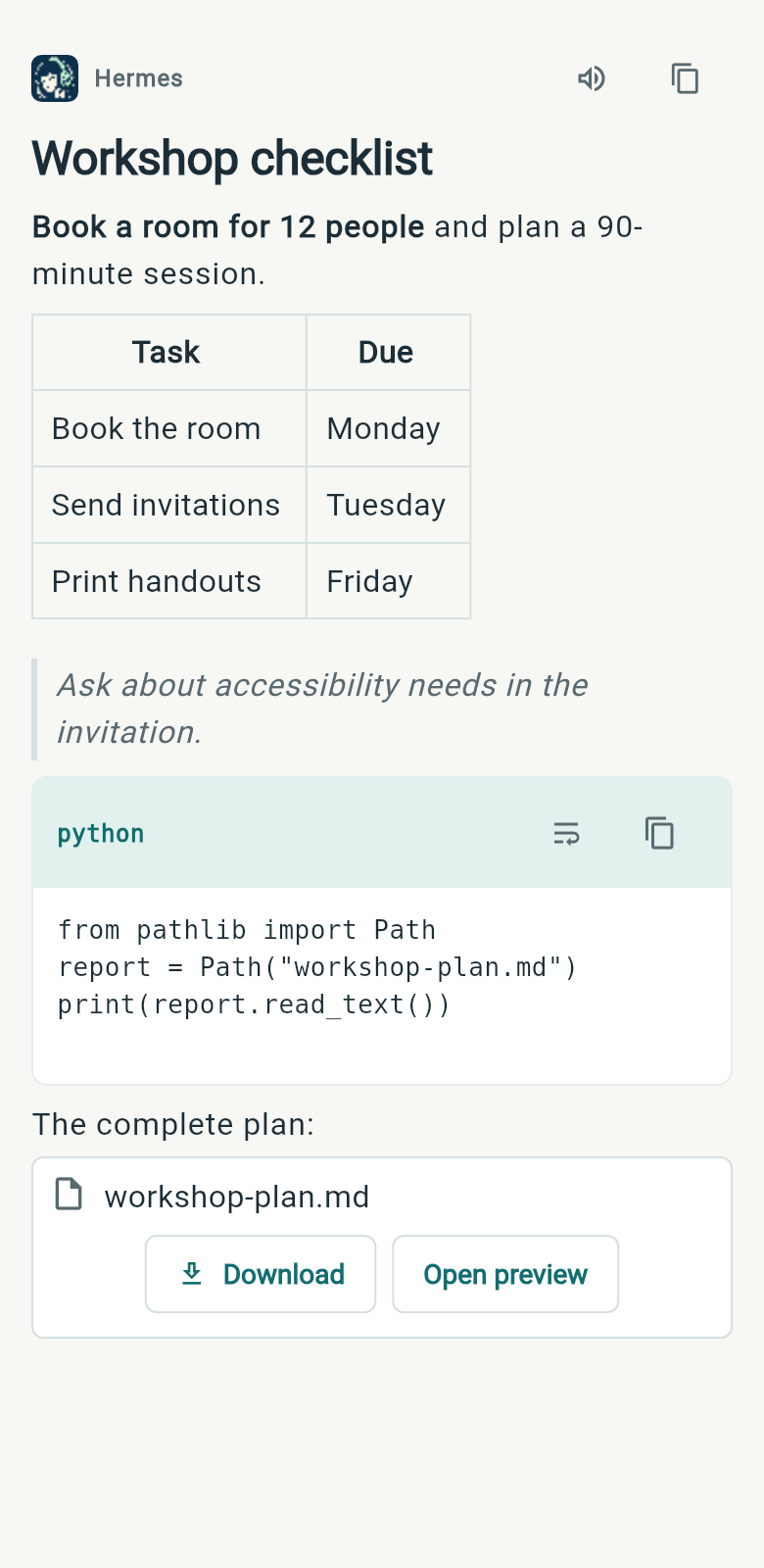
Read formatted Markdown
Headings, emphasis, lists and quotes keep their formatting. Wide tables scroll horizontally, so you can read every column on a phone.
Set text size and light or dark appearance in App settings.
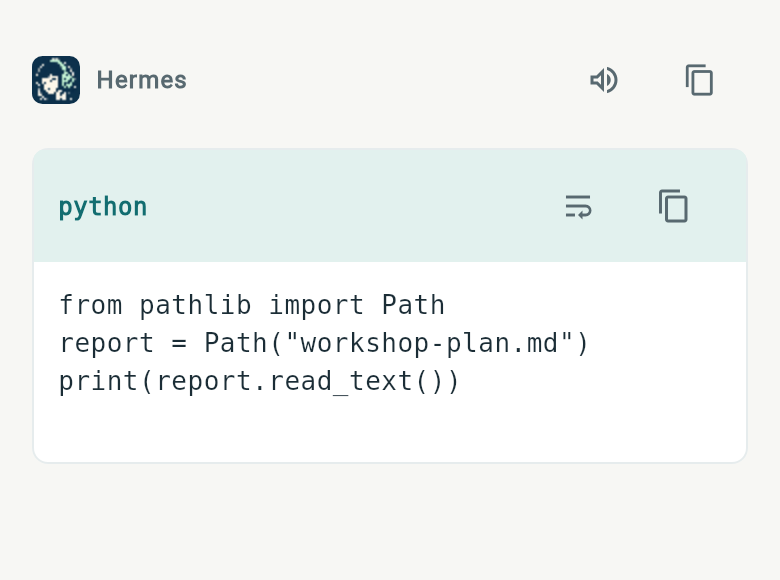
Copy code and wrap long lines
Each code block has a language label and its own copy control. Copy just the code, or switch between scrolling and wrapping long lines.
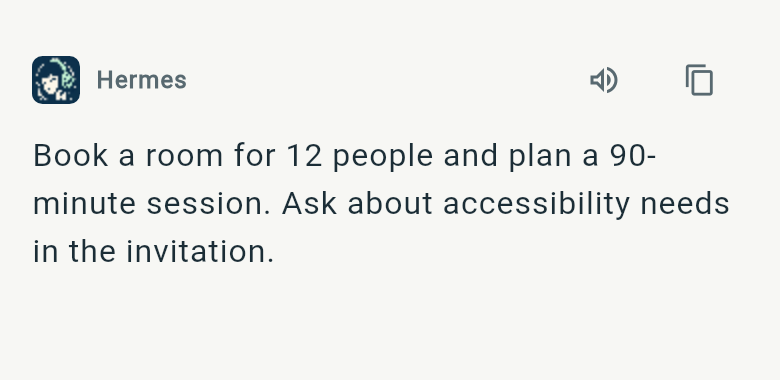
Copy messages and listen to replies
Use the message copy action to copy a whole answer without selecting it by hand. Read aloud plays the reply; App settings lets you choose on-device or Hermes speech processing.
Preview, save and share output files
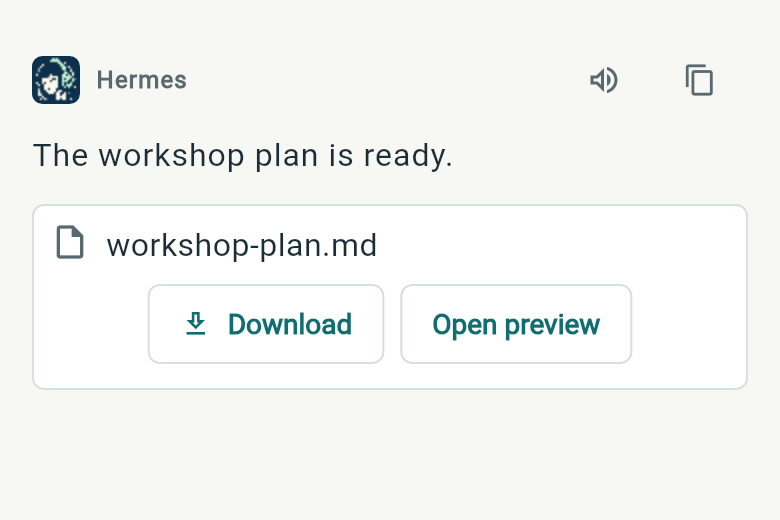
Open files from the answer to preview Markdown, PDFs, diagrams and supported media. Save a report or share an output file through Android.
Images appear in the reply with a download control. Tap an image to zoom the original. File previews depend on the format and what Hermes returns.