

Multitask
with Recents
Find running work and chats waiting for you
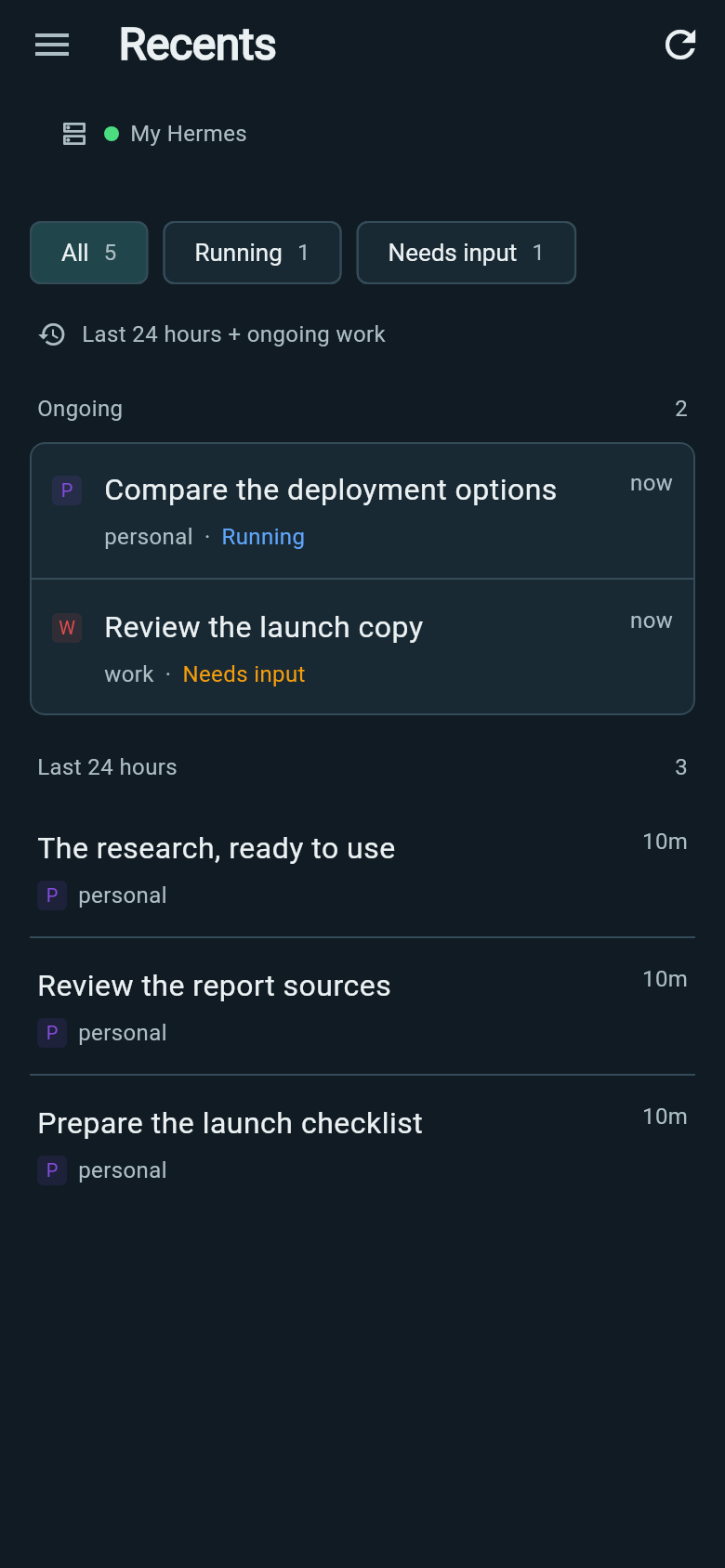
Recents gathers chats with messages from the last 24 hours and ongoing work across profiles on your current connection. Choose Running, Needs input or All. Older conversations remain in Chats.
Tap a conversation to open it with its profile selected.
Switch chats with two fingers
In a chat opened from Recents, swipe sideways with two fingers to move to the next or previous conversation. The last chat links back to the first.
Pinch inward to open the card stack. Lift your fingers and it stays open. Swipe through the cards with one finger, then tap a card to expand that conversation.
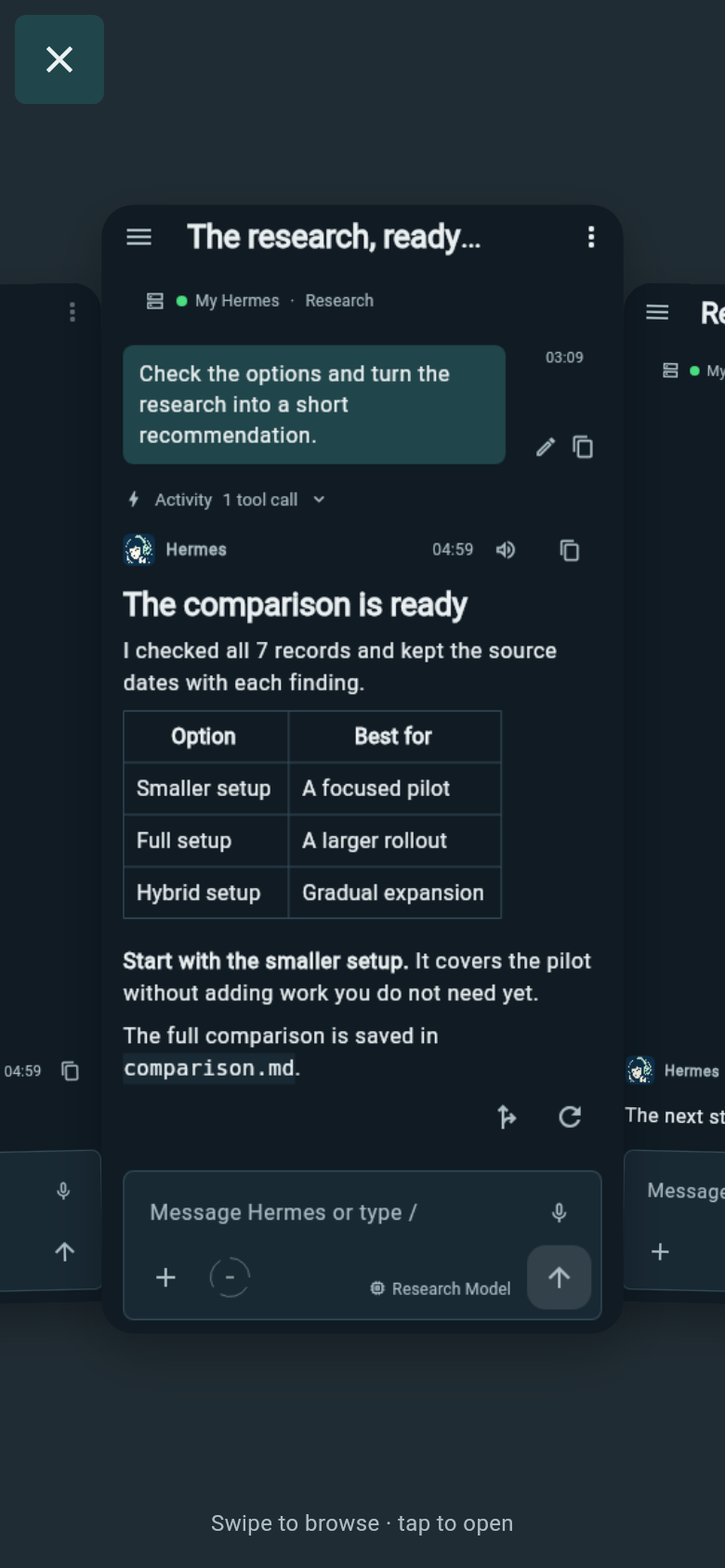
Back closes the card stack; from the conversation, it returns to Recents with your filter preserved.
Notice replies while you work elsewhere
A soft edge cue points toward another conversation with a new reply. Amber indicates a confirmed request for your input. You can check that chat without returning to the list.