

Bots and
group discussions
Return to each bot's conversation
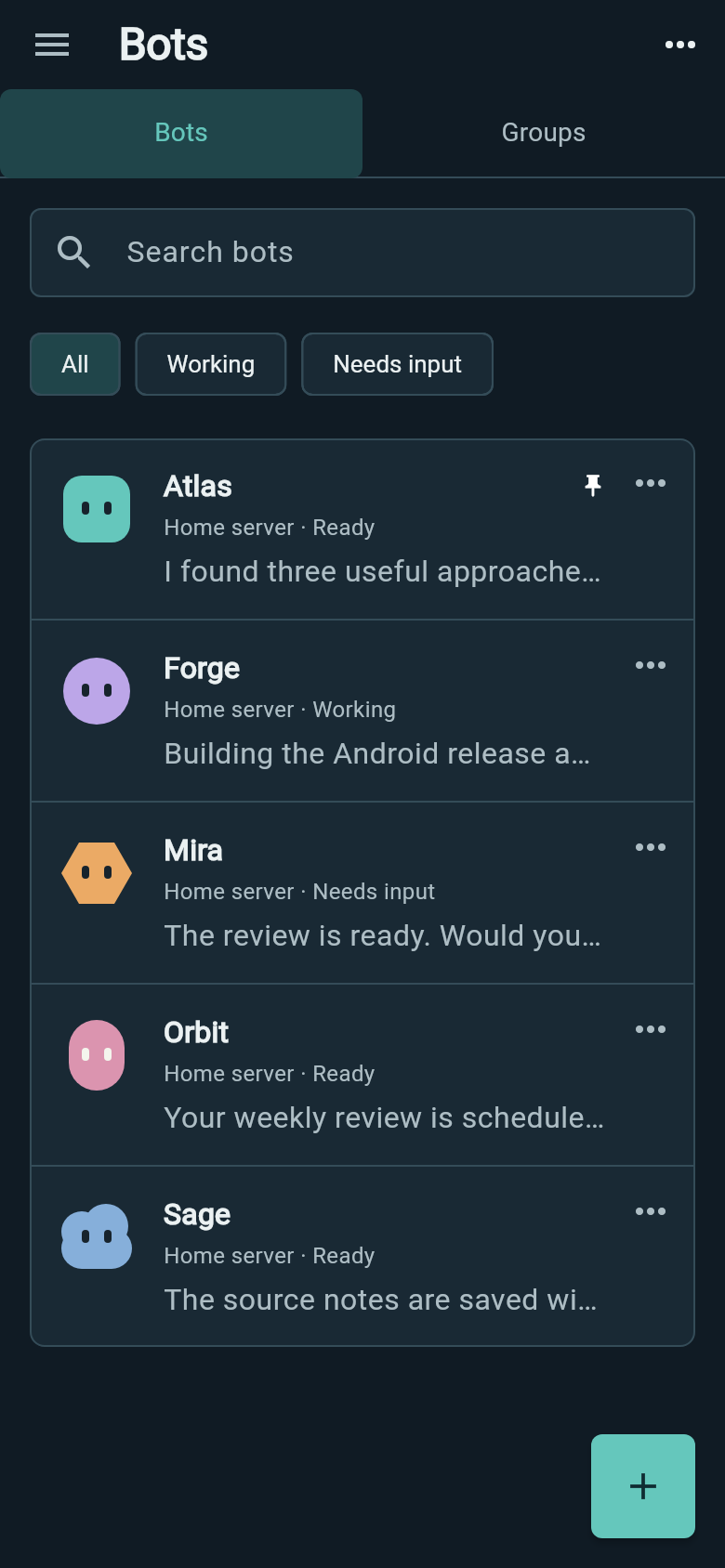
Open Bots from the side menu to see agents across your saved Hermes connections. Each row shows the latest message from that bot's continuing chat. Tap the name or message to return to it.
Pin the bots you use most. Filter by Working or Needs input, or hide a bot from the roster. Back restores your tab, search and filter.
Name and configure your bots
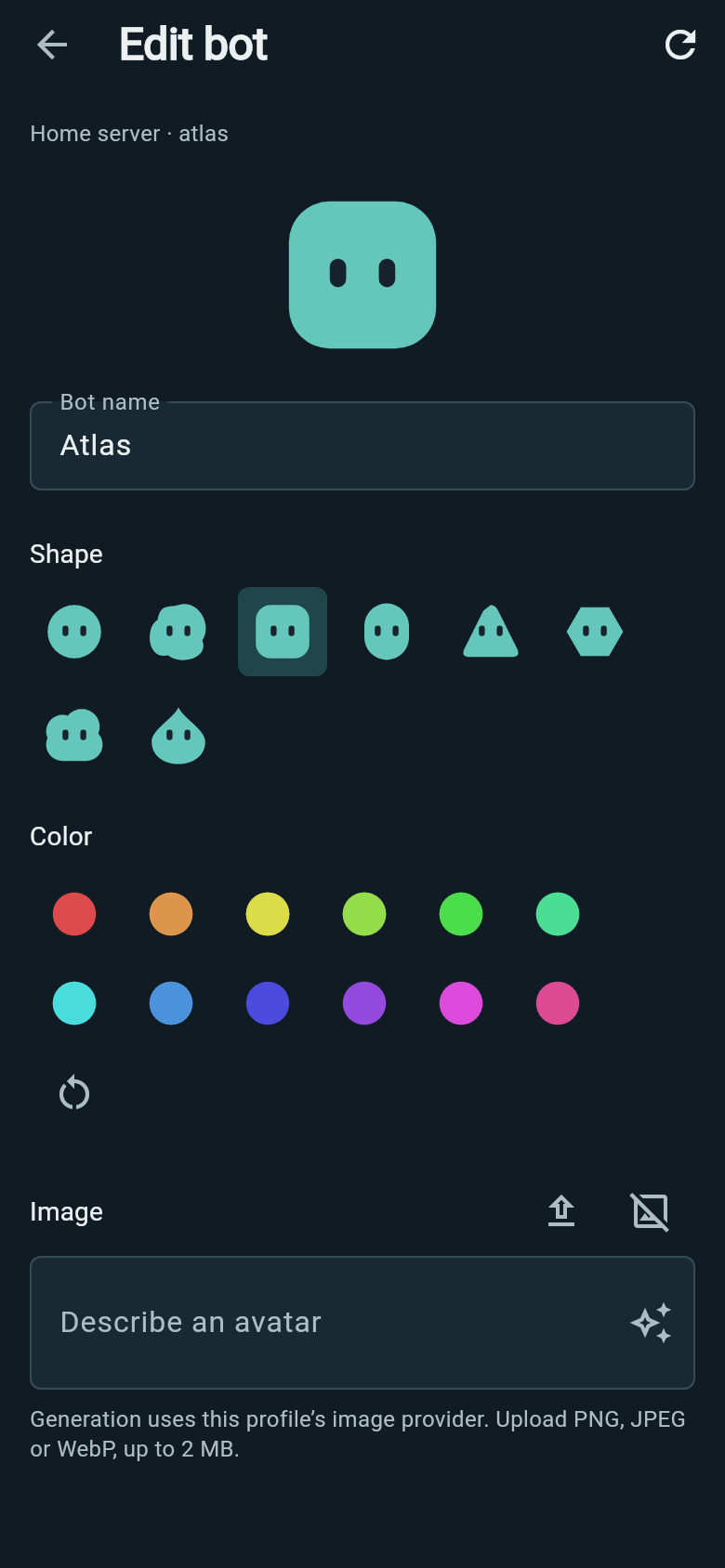
Tap an avatar to change the bot's display name, shape, color or image. Upload an avatar or generate one through the profile's configured image provider. Appearance edits save as you make them.
Bot settings opens that bot's instructions, models, accounts, skills and tools. Create a new bot or duplicate an existing one to start with its configuration.
Ask several bots in one discussion
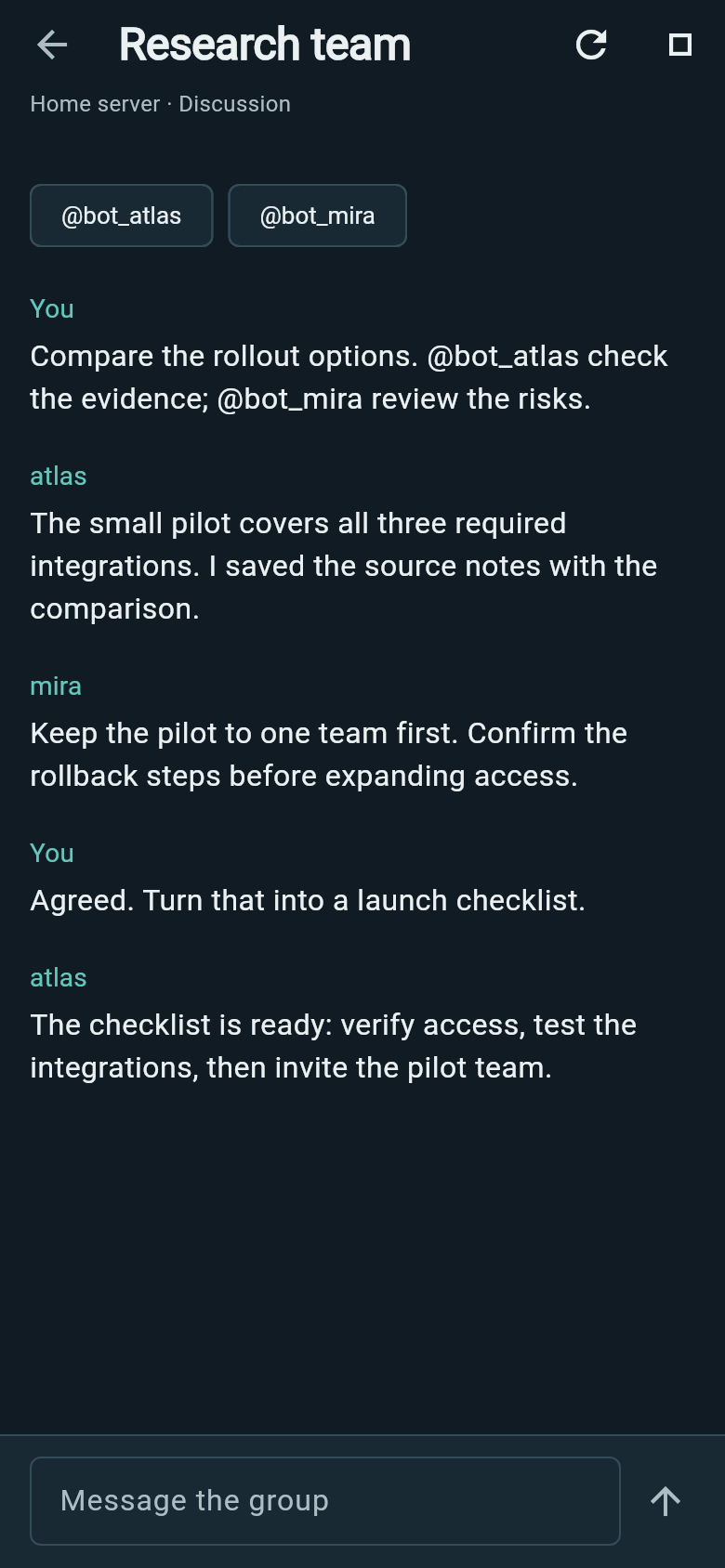
Create a group with 2–6 bots from the same Hermes connection. Ask the whole group, or tap an @handle to address a particular member. Their replies appear together in the discussion.
Hermes runs the discussion on your server, so accepted work can continue when Wing goes into the background. Review approval requests, stop the work or retry an interrupted task from the group.
Check a bot's screen
Choose View screen from a bot's menu to see its screen preview and start or stop its display. Preview pauses while a person controls that screen.
The preview is read-only; keyboard and pointer control are unavailable.