
Switch between
profiles and projects
Switch profiles with a tap
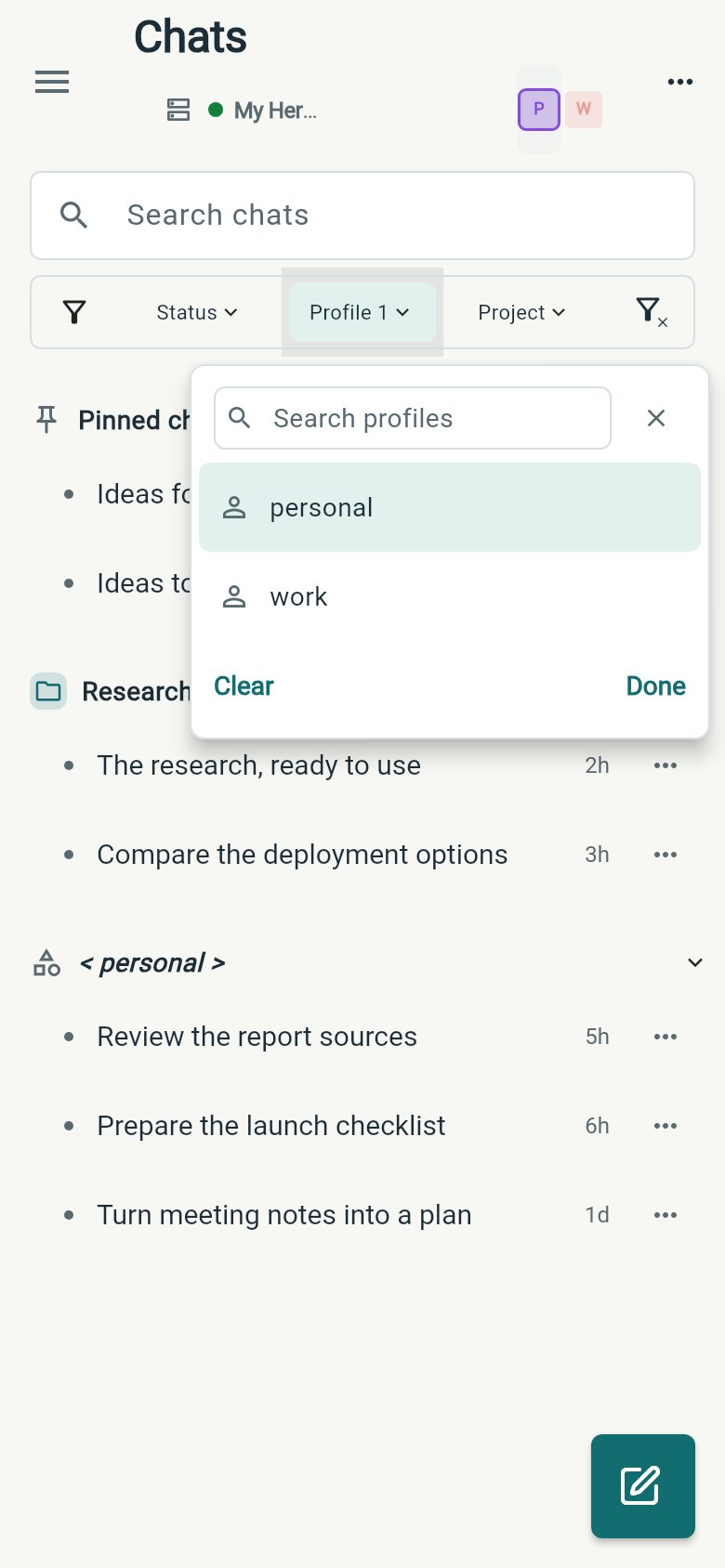
Tap a profile in the Chats header to focus on its conversations. Tap the selected profile again to show all profiles. For work spanning several agents, open the Profile filter and choose the profiles you want together.
Profile colors and the selected outline help you see which view is active. Administration also keeps its profile choices visible, so you can switch the agent whose settings you are editing.
Switch projects across profiles
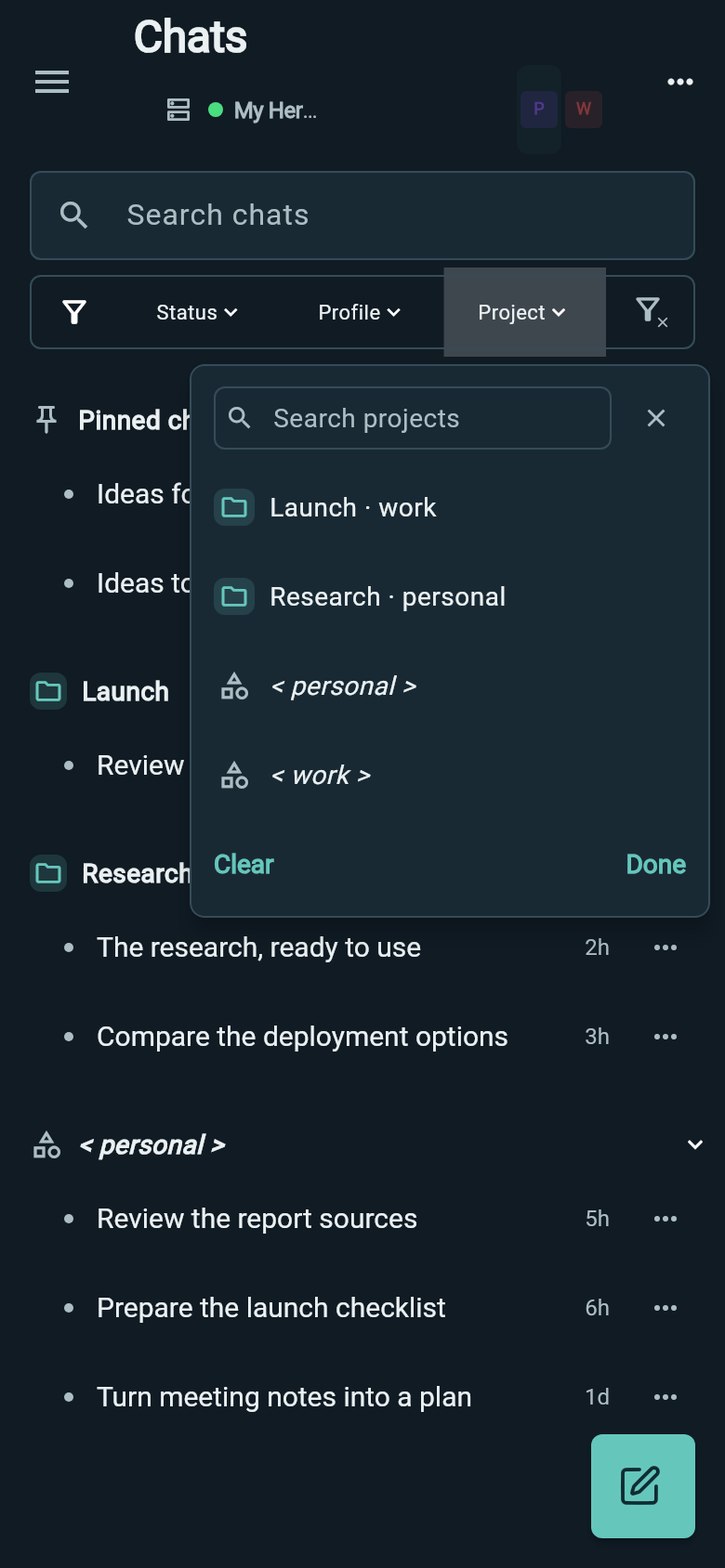
Open the Project filter and choose a project or several projects to see their conversations together. It follows your profile selection; clear the Profile filter to choose projects across all profiles.
Project choices show their profile, so Research for your personal agent and Launch for your work agent can sit in the same view. Chats without a project have their own profile group.
Build your chat view
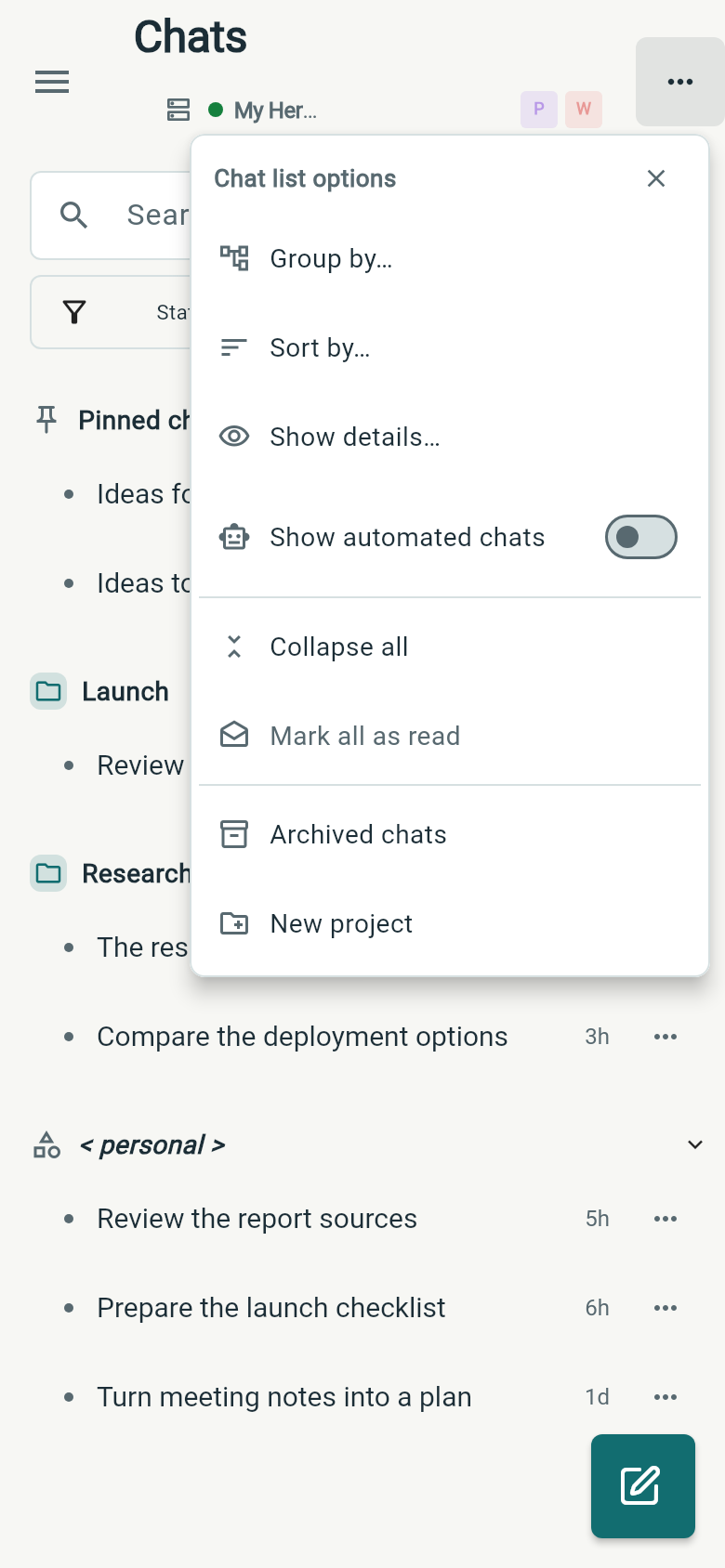
Use Group by to arrange chats by project, profile, status or updated date. Filter by profile, project and status to decide which chats belong in that view.
Sort by orders chats by time, status, tokens or cost. Show details lets you choose the profile, time and usage information beside each conversation.
Choices apply immediately and are remembered for each connection on your phone.